

Category: Computing
-
The Best Apps For Seniors – NZ

Looking for the best apps for seniors? You’ve come to the right place!Our smartphones are amazingly powerful tools, capable of accessing the internet, taking photos and making life easier than ever. But they really excel when useful applications are downloaded to assist with everything from day-to-day tasks to complex activities and your favourite hobbies. Applications…
-
How to Transfer Files from your Old Computer to a New One
Have you just bought a new device and can’t wait to get it set up? Transferring files from your old device to your new one should be a breeze, but if it’s not done properly, you could end up with duplicates, syncing issues or, worst of all, missing files. Whether you want to transfer files…
-
Why Can’t I Log into My Email? Common Causes and Fixes
Asking yourself, “Why can’t I log into my email?” — We’ve all been there! Picture this (or maybe you don’t need to): you’ve got something important to send, you open up your email, and suddenly… nothing. It just won’t let you in. Whether it’s a spinning wheel, a red error message, or a password that…
-
Why Is My Computer Running Slow

We’ve all been there. Staring at the glowing rectangular screen in awe at how slow it’s become. A slow computer is one of the most common tech complaints we hear at Geeks on Wheels, and the good news is that most of the time there’s a perfectly fixable reason behind it. Before you start…
-
The MacBook Neo Buying Guide

Apple has just introduced a brand new laptop that is getting a lot of attention… Meet the MacBook Neo, Apple’s most affordable MacBook ever! Starting at $1,149NZD or $979NZD with education savings, Apple have finally created a competitor for mid-range Windows laptops! For years, MacBooks have been known as premium devices with premium price tags.…
-
The Best Features of Microsoft Copilot
Have you seen a colourful new button pop up on the Microsoft products you use… Please give a warm welcome to Microsoft’s new AI tool, Copilot! Built directly into Microsoft apps like Word, Excel, PowerPoint, and Outlook, Copilot is designed to help you get more done. All without needing to be a tech expert or…
-
Your 2026 Tech Checklist
Hey Geek fans! A new year is the perfect excuse for a fresh start, and that includes your tech! We all make New Year’s resolutions for ourselves, but what about the devices we rely on every single day? Leave your bad tech habits behind in 2025 and start fresh in 2026. We have a simple…
-
Tech Trends and Predictions for 2026

What tech trends do we expect to emerge or resurge in 2026? Will AI completely dominate the tech world? Will Apple finally release an iPhone that actually feels innovative? Is there ever going to be a foolproof way for Grandma to tell that a video of a bicycle riding giraffe riding is AI-generated? While we…
-
The Most Common Computer Repairs
Have you ever wondered to yourself, what are the most common computer repairs?Well, you’re in luck, we know a thing or two about computer repairs. We’ve seen it all over the years, from wine-soaked laptops to ant-infested casings. Whatever the tech repair, chances are, we’ve seen it. But…..There are a few repairs we seem to…
-
Is it Better to Repair or Replace a Computer
Are you trying to decide if it’s better to repair a computer or replace it? We’ve put together a few key points to help you make the right choice. There are several factors that can determine whether it’s better to repair a computer or replace it. These include software compatibility, physical components and the age…
-
Laptop Buying Guide — Tips for Buying a Laptop
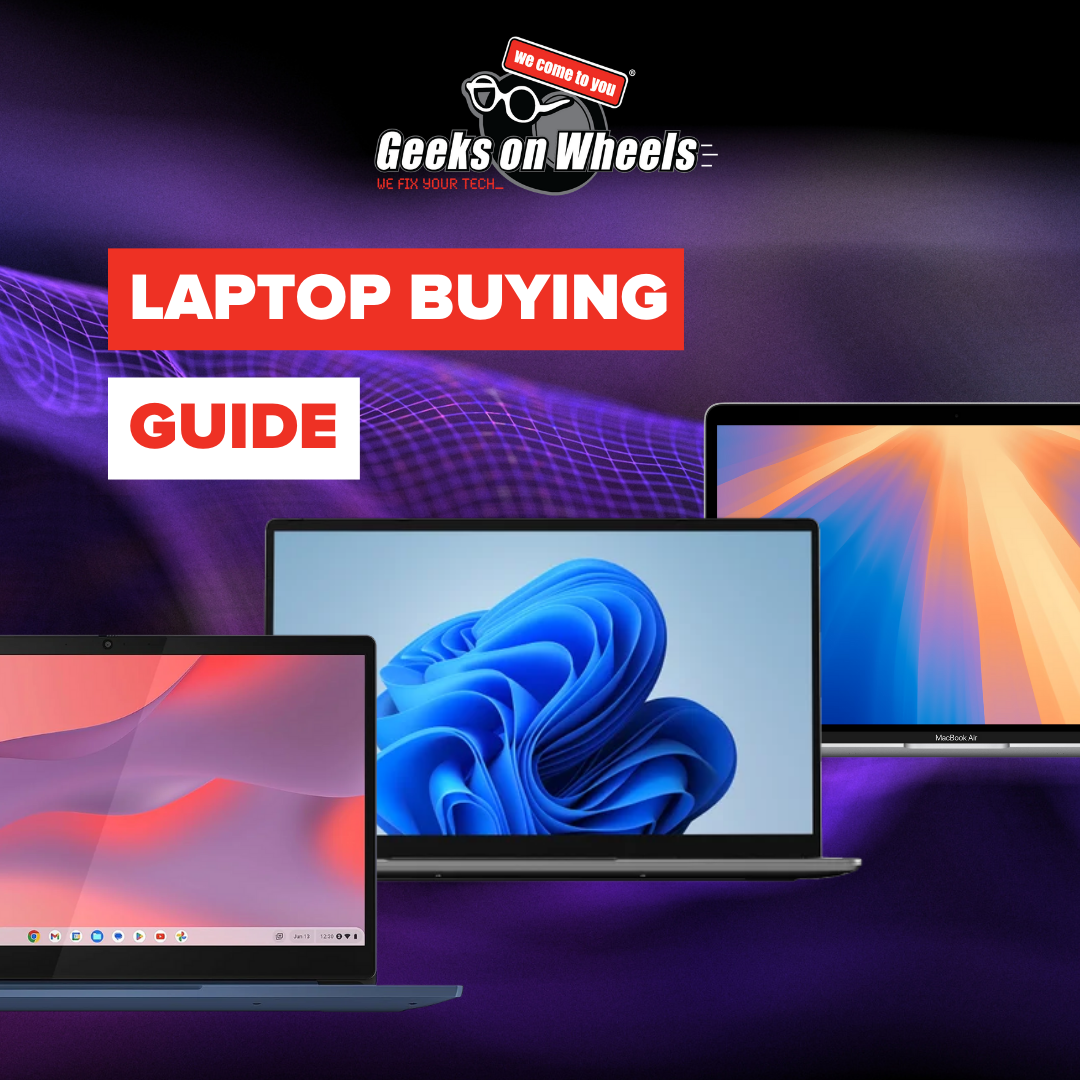
Are you looking for the best gaming laptops or simply want to know how to buy a laptop and what specs to consider? Our laptop buying guide has got you covered. From going over important things to consider, to explaining each laptop spec and its individual role! Ultimately, our tips for buying a laptop should…
-
Scams affecting popular online games for kids

This 2025 International Youth Day just been, we’re homing in on prevalent scams that are affecting popular online games for kids! In particular, we’ll be focusing on Roblox scams, Minecraft scams and Fortnite scams! We know it’s more often than not a parent’s card connected to their child’s gaming account. That’s why we’ve put together…
-
Interesting facts about technology (or technology myths?)
You probably hear all sorts of things about technology, some true, some… not so much. While some assumptions might really be interesting facts about technology, others are simply just rumours. As a professional IT company, we’re here to set the record straight and debunk some of the most common technology myths.Think you’ve got your technology…
-
The Ultimate IT Support Package
Wouldn’t everyone love unlimited free access to remote tech support? Discounted onsite help from experts and a free check on the health and security of their devices? Say hello to New Zealand’s best IT support package, Geek+. With a Geek+ membership, you get all that and more. The best part is that memberships start from…
-
How to find and update your device’s operating system
You’ve likely come across the term “operating systems” or “OS” when your device prompts you to install the latest update or when certain applications demand a particular operating system to operate effectively. However, do you know how to find your device’s existing operating system? And, in case you initially decline the update prompt from your…
-
How to screenshot on Windows and Mac
Screen shots are helpful for capturing and sharing information, troubleshooting technical issues, collaborating and giving feedback, and an extensive array of other useful functions! However, it’s hard to keep up with all the different ways to screen shot on different devices! In this blog we’re going to show you how to screenshot on Windows and…
-
Maximising the lifespan of your computer
With more and more technology finding its way into our lives, the cost of repairing, replacing, and maintaining devices can soon add up. This coupled with the environmental impact of manufacturing and disposing of electronic devices makes maximising the lifespan of your computer good for the environment and your back pocket. Read on for some…
-
5 Great Windows Tips You Should Know
As a Windows user, it’s important to have a solid foundation of knowledge when it comes to the operating system’s handy tools. So, in this blog we’re providing 5 great Windows tips that will help you navigate your way through common tasks and optimise your Windows computing experience! If you do need any help exploring…
-
5 Great Mac Tips You Should Know

Love your iMac or MacBook Pro? Want to know how to get the most out of it? You’d be amazed by just how many handy features and helpful tools Apple devices have built-in. So we’ve put together a list of 5 great Mac tips you should know! Make sure your device is updated to the…
-
Get rid of your old tech eco-consciously

Hey Geeks, it’s Earth month! So, to celebrate the planet we live on, we’re going to focus on how you can get rid of your old tech eco-consciously. With technology constantly improving, we’re going to be tempted with new and more advanced products and gadgets. And, who doesn’t want to have the best of something,…
-
Upgrading from Windows 8.1
Kia Ora Geeks, as many of you may know, Windows 8.1, reached its end of life on January 10, 2023. So, what does this mean? The main impact is that Microsoft will no longer be providing updates or support for the operating system. As well as this, users may be vulnerable to security risks and…
-
Computer check-up | 7 reasons why you NEED one!
Computer check-up | 7 reasons why you NEED one! Hi, Geek Fans! A computer check-up is one of the easiest ways to look out for the health of your gear. This blog covers the top seven reasons why you should get a computer check-up ASAP! We rely on our computers for everything. From Zoom calls…
-
Hyperfibre – Everything you NEED to know
All You NEED To Know About Hyperfibre Late last year, telecommunications infrastructure provider Chorus, launched Hyperfibre. Wondering what that is? We have the answers. What is Hyperfibre: Hyperfibre is a super-fast fibre connection that will soon be available to homes and businesses across New Zealand. With download speeds of up to 4000Mbps, its nearly 4…
-
Should I Upgrade or Buy a New Computer?

Should I Upgrade or Buy a New Computer? When is it time to upgrade or buy a new computer? The answer will come down to personal preference, but what factors should you consider before committing to a computer upgrade or new purchase? A computer serves many functions, and what you use it for will determine…
-
How to Make your Computer Faster
5 Ways to Make your Computer Run Faster A slow computer can be frustrating when you are trying to get things done, watch your favourite videos or working from home. Not only that but It can reduce productivity and generally make you so furious you can feel like you may want to throw your computer…
