

Asking yourself, “Why can’t I log into my email?” — We’ve all been there!
Picture this (or maybe you don’t need to): you’ve got something important to send, you open up your email, and suddenly… nothing. It just won’t let you in. Whether it’s a spinning wheel, a red error message, or a password that the internet gods have decided to stop accepting, it’s one of those tech moments that can really throw off your day. The thing is, when people can’t log in to email, there’s almost always a specific reason behind it. Once you know what you’re looking for, you should be all set for an easy fix!
The Most Likely Culprit: Your Password
Before anything else, let’s tackle the obvious one. Passwords are sneaky. You might have Caps Lock on without realising, an old saved password might be auto-filling, or you might have recently changed your password on another device that hasn’t caught up yet.
A few things worth checking:
- Make sure Caps Lock and Num Lock are both off
- Try typing your password in a text document first so you can see exactly what you’re entering
- If your browser is auto-filling the password, try clearing that saved entry and typing it manually
If you can’t remember your password, don’t stress, just use the “Forgot Password” link on the login page. You’ll be sent a reset link to your recovery email or phone number. Easy as!
Your Account Might Be Locked
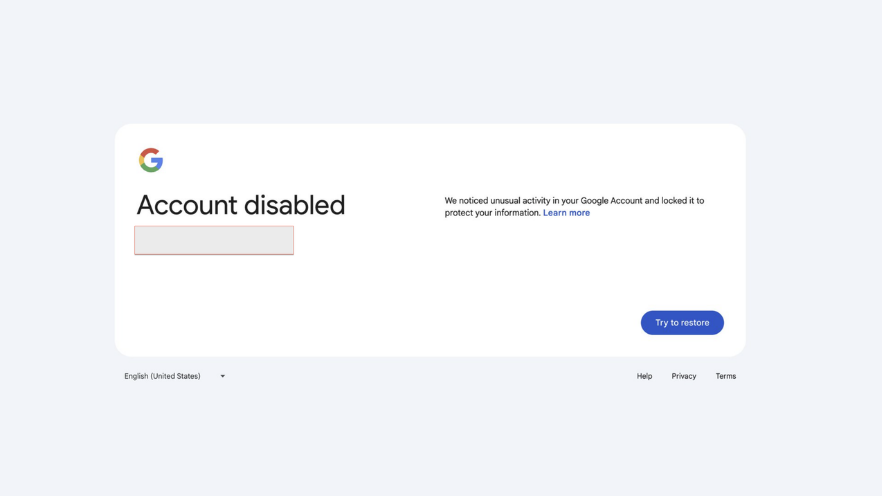
If you’ve tried the wrong password a few too many times, most email providers will temporarily lock your account. This is a security precaution. It’s actually a good thing, as it means the security system is protecting your account. The downside is that you won’t be able to log in to your email for a little while.
In most cases, waiting 15-30 minutes and trying again will do the trick. If you’re still locked out after that, each provider has its own recovery page:
Gmail users can head to:
accounts.google.com/signin/recovery
Outlook users can go to:
account.live.com/password/reset
Yahoo Mail users can visit
login.yahoo.com/forgot
Follow the prompts to verify your identity, and you’ll be back in shortly!
Your Browser or App Could Be the Problem
Sometimes when you can’t log in to email, your password is completely fine. It’s just your browser or email app causing login issues. Outdated browsers, corrupted cookies, and cached data can all interfere with the login process in surprisingly frustrating ways.
Try this:
- Try opening your email in a different browser (e.g if you normally use Chrome, try Firefox or Edge)
- Make sure your browser is fully up to date
- If you’re using an email app like Outlook, Apple Mail, or the Gmail app, try removing and re-adding your account, as this often clears login issues that a password reset alone won’t fix.
Two-Factor Authentication Issues
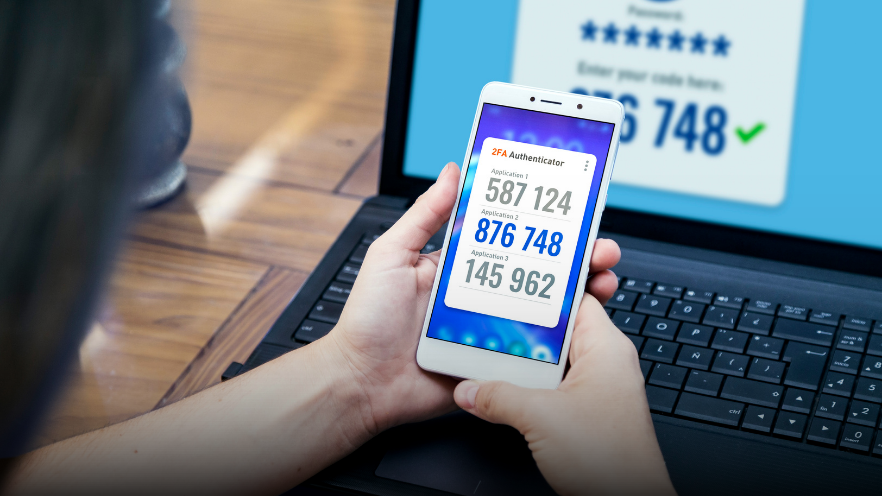
Most email providers now encourage two-factor authentication (2FA), where you confirm your identity with a code sent to your phone or an authenticator app. This is great for security, but it can cause headaches if your phone number has changed, you no longer have your old phone, or the codes just aren’t arriving.
If you’re not receiving your verification code, check that your phone has a signal and try requesting the code again. Gmail, Outlook, and Yahoo Mail all send codes slightly differently. Gmail and Yahoo typically text or email you a code, while Outlook may use the Microsoft Authenticator app. Sometimes your provider might send the code via WhatsApp; if you have the app and haven’t received an SMS, be sure to check your WhatsApp messages.
If you’re using an authenticator app, double-check that the time on your phone is set to automatic, since authentication codes rely on your device clock being accurate. If you’ve lost access to your 2FA method entirely, you’ll need to go through the account recovery process with your provider.
Could It Be a Scam or Suspicious Activity?
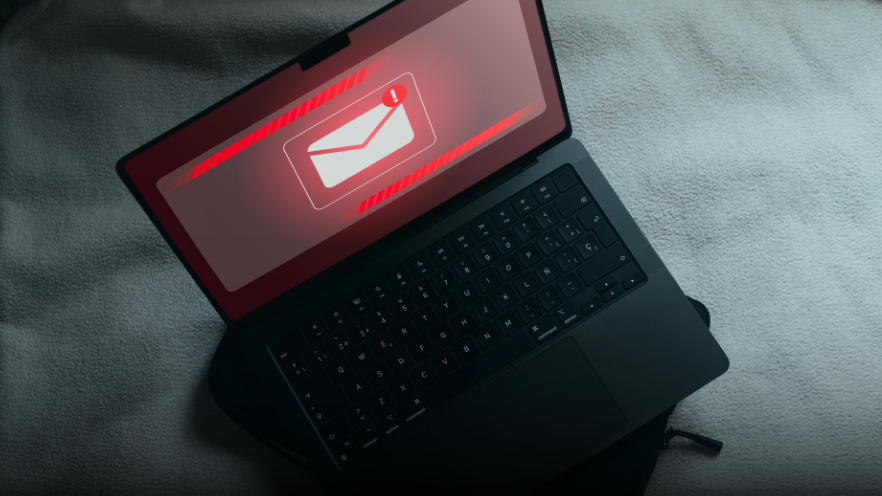
If you can’t log in to email and none of the above reasons seems to apply, there’s a chance your account may have been compromised. Hackers sometimes change passwords to lock people out of their own accounts. Signs to watch for include emails from your provider about suspicious sign-in attempts, contacts/friends telling you they’ve received strange messages from you, or your recovery details looking unfamiliar.
If you suspect someone has hacked your account, act quickly! Use the account recovery option on your provider’s login page and follow the steps to secure it. Once you’re back in, change your password to something strong and unique, check that your recovery email and phone number are still yours, and review any recent account activity.
If you want the stress of recovering your account taken out of your hands, give us a call! Our technicians unfortunately deal with recovering accounts more than we’d like, but they are always happy to assist to get you back on track!
Sometimes the reason you can’t log in to email is less obvious. Maybe your internet connection is dropping at just the wrong moment, your email provider is experiencing an outage, or there’s a deeper account issue that needs sorting. A quick way to check is to search your provider’s name plus “outage” or “down”. If others are reporting the same thing, you’ll know it’s not just you!
Email problems are frustrating, but they’re almost always fixable. Work through the steps above, and you’ll likely be back in your inbox in no time.
If you’ve worked through everything and you’re still stuck, that’s what we’re here for! At Geeks on Wheels, we sort out email login issues all the time! Whether it’s resetting access, securing a compromised account, or just helping you get everything running smoothly on a new device without the drama.
If you’d rather have someone take care of it for you, give us a call on 0800 424 335 or book a Geek online, and we’ll have you sorted in no time
