

Computers don’t last forever, and knowing when to upgrade your computer rather than continue nursing one along can save you a great deal of time, money and frustration. If you’ve been putting it off, here are 5 signs that the time has probably come.
1. It’s Slow and Affecting Your Day-to-Day Productivity

If you’re spending more time waiting for your computer than actually using it, that’s pretty annoying, and you’re losing more time from your day than you probably realise. A slow computer affects everything: opening files, loading websites, jumping between apps, and sitting through startup screens that feel like they belong to a different era! Over the course of a week, all that time spent waiting adds up!
Some slowdowns can be fixed with a clean-up or a storage drive upgrade, and it’s always worth exploring those options first. But if you’ve already tried the basics and your computer is still crawling, the underlying hardware is likely just too old to keep up with modern demands. Here are some signs it’s time to upgrade your computer for performance reasons:
- It takes several minutes to start up even after a restart
- Programs freeze or crash regularly
- Running more than a couple of apps at once brings everything to a halt
- Your computer is more than 6 to 8 years old
2. Windows 10 Support Has Ended, Leaving You Exposed
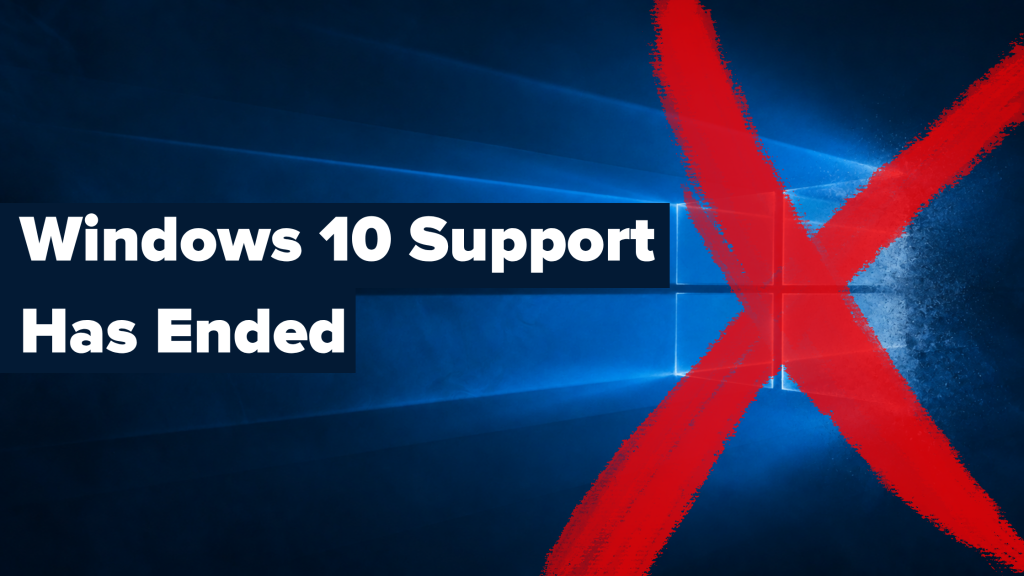
Microsoft officially ended support for Windows 10 in October 2025. If your computer is still running it and can’t be upgraded to Windows 11, it’s no longer receiving security updates by default. That means any new vulnerabilities discovered in the operating system will remain unpatched, leaving your personal data, passwords, and files increasingly at risk the longer you stay on it.
Many older computers simply don’t meet the hardware requirements for Windows 11, which demands a compatible processor, 4GB of RAM, and a TPM 2.0 security chip. If yours is one of them, upgrading your operating system isn’t an option and upgrading your computer is the only path to staying secure. This is one of the most compelling reasons people are making the switch!
3. You’re Running Out of Storage Space
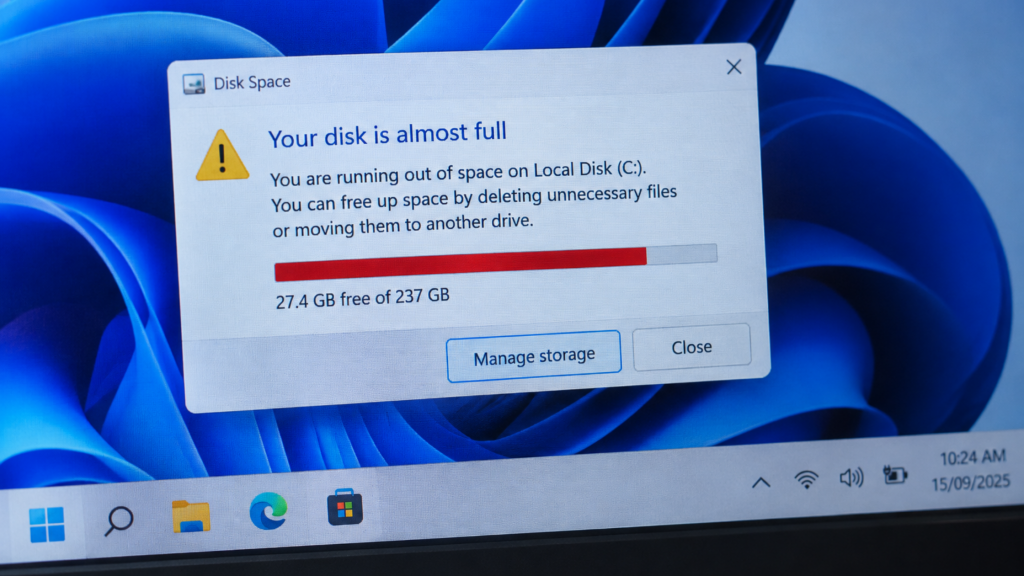
Storage fills up faster than most people expect. Photos, videos, downloads, software updates, and years of accumulated files all add up, and once your drive gets too full, your computer starts to struggle. As a rule of thumb, your computer needs at least 10 to 15 percent of its storage free to operate properly. Below that, its performance takes a real hit.
In some cases, a storage upgrade is the right fix, either adding an external drive or replacing the internal one with a larger SSD. But if your computer is already showing other signs of age, it’s often more economical to upgrade your computer altogether rather than invest in individual component upgrades that only extend its life by a year or two. Here are some things to consider:
- Your drive is consistently over 80 to 85 percent full
- You’re constantly deleting files just to make space for new ones
- You’re using an old spinning hard drive (HDD) rather than a modern SSD, which is slower and more likely to fail
4. The Battery Is Dead or Dying (Laptops)
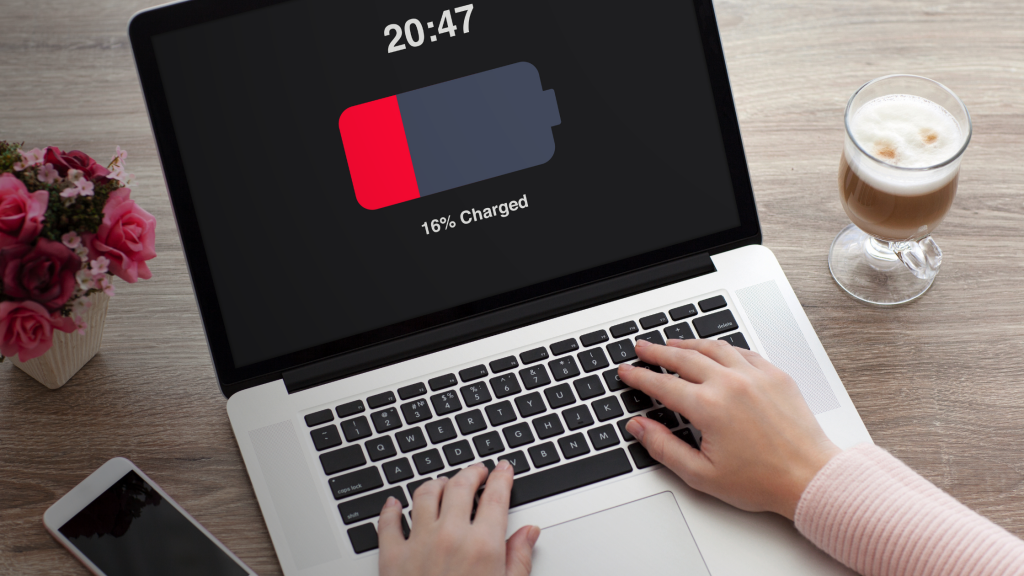
Laptop batteries have a finite lifespan. Most are designed to hold a good charge for around 500 to 1,000 full charge cycles, after which capacity drops significantly. If your laptop used to last all day and now barely gets you through an hour or two, the battery is on its way out. And boy, it gets frustrating. Staying tethered to a power cable defeats a lot of the point of having a laptop over a desktop computer in the first place!
A battery replacement is sometimes a cost-effective fix, depending on the model. However, on many modern laptops, the battery is integrated and difficult or expensive to replace. If your laptop is already 5 or more years old and showing other signs of age alongside the battery issues, this is often the nudge to upgrade your computer rather than spend money keeping an ageing machine going. Here are some signs your battery is failing:
- Battery drains rapidly even with light use
- The battery percentage jumps around or drops suddenly
- Your laptop shuts down unexpectedly before reaching zero percent
- The battery is swollen, or the laptop case is starting to bulge (stop using it immediately if so!)
5. It Can’t Run the Software or AI Tools You Need
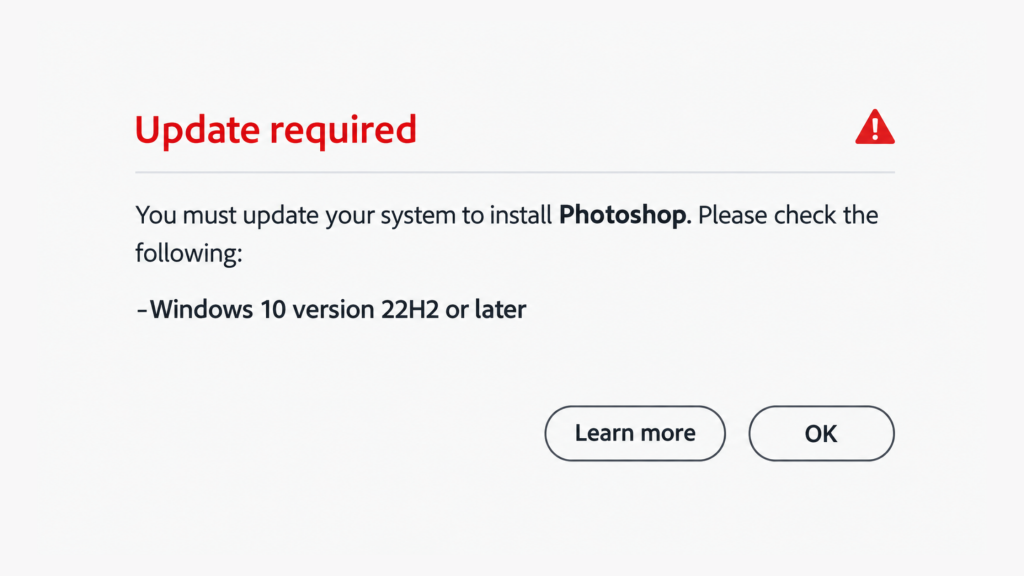
Software requirements have crept up considerably over the last few years, and AI tools in particular are pushing the bar higher again. Many modern applications now require more RAM, a faster processor, and a dedicated graphics chip to run properly. If you’re finding that programmes are refusing to install, running poorly, or warning you that your system doesn’t meet the minimum requirements, your hardware is getting dusted!
AI tools like Microsoft Copilot, Adobe Firefly, and various productivity assistants now require newer processors and, in some cases, dedicated AI acceleration chips (called NPUs) that simply don’t exist in older machines. This is a growing consideration for anyone who wants to take advantage of AI in their work or daily life, and it’s only going to become more relevant over time. If you’re hitting these walls, it’s a strong signal to upgrade your computer sooner rather than later!
This doesn’t mean you need to spend a fortune! There are excellent mid-range options available that will handle everything modern software demands for several years to come.
If two or more of the above sound familiar, it’s probably time to have a serious conversation about whether your current computer is still serving you well. The good news is you don’t have to figure it out alone!
At Geeks on Wheels, we can assess your current setup, tell you honestly whether a repair or upgrade makes more sense, and help you find the right machine if you do decide to make the switch! Give us a call on 0800 424 335 or book a Geek online, and we’ll help you make the right call.
