

Those 5 minutes of unboxing your new computer are super exciting! But then, depending on who you are, that impending setup process may not seem quite as fun to you. All you want is your new computer to feel like yours. But getting to that point isn’t always the easiest. Walls of setup screens, tangled cables, an old computer full of photos you can’t afford to lose, and a nagging worry that you’ve missed something. It’s a lot for one afternoon!
When a customer books us to set up a computer, we do things a little differently. Here’s what happens during a Geeks on Wheels setup visit, and why it makes a world of difference!
We Come to You
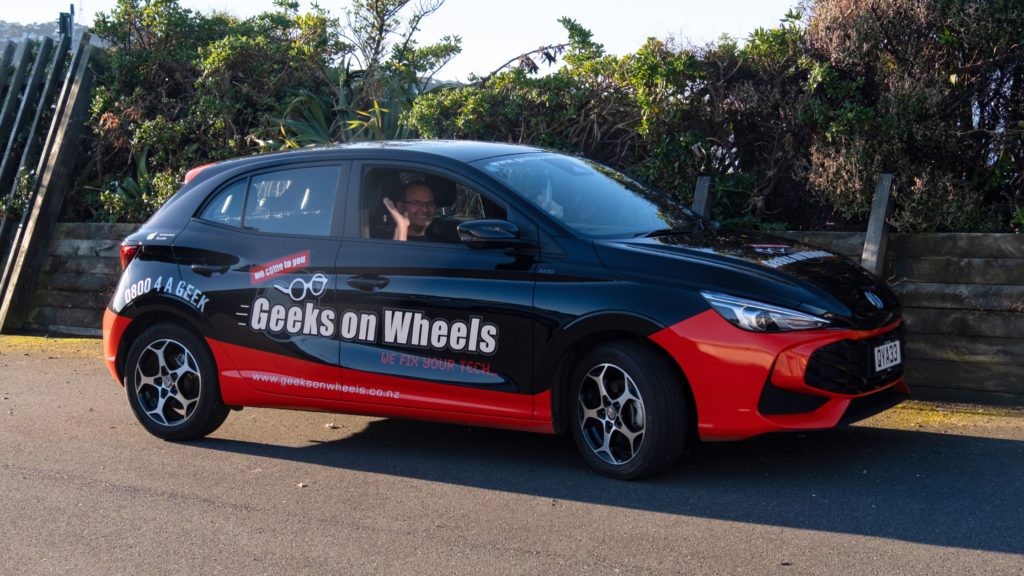
Every setup starts with one of our expert technicians turning up at your home or office at a time that suits you. That matters more than it sounds, because we set up a computer in the place you’ll actually use it, with your real Wi-Fi, your real desk and your real printer. We get everything working properly in your home from day one!
While we’re there, we’ll take care of:
- Internet: We connect your computer to your home network, either through Wi-Fi or an Ethernet cable.
- Peripherals: We connect your mouse, keyboard, monitor, printer or external hard drive.
- Packaging: When we leave, we clean up and take the packaging with us if you don’t want to keep it.
We Clear Out the Bloatware
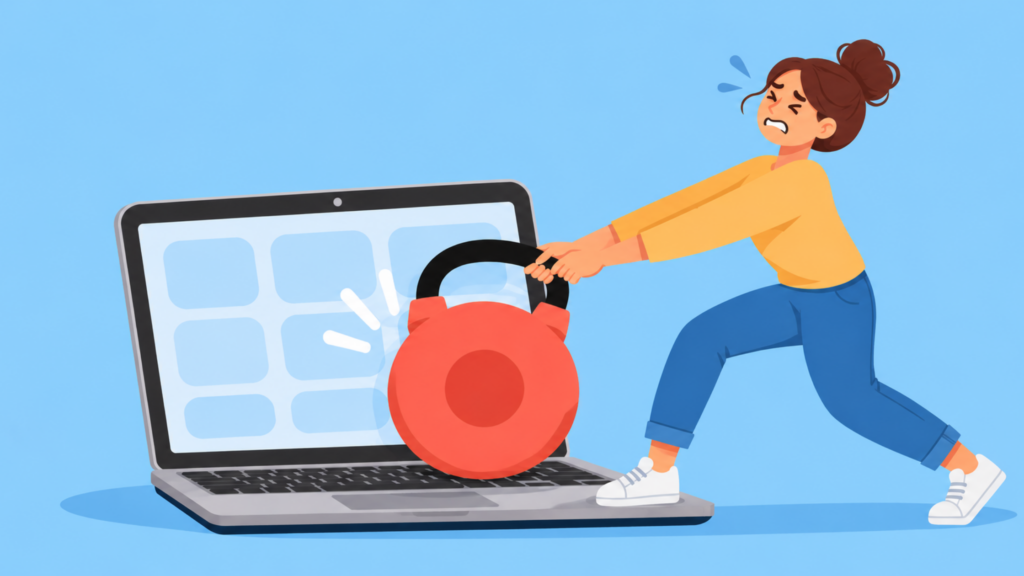
Many new computers arrive loaded with extra software you never even asked for! We call it bloatware, and it usually falls into two groups. Manufacturer utilities and promotional apps, and third-party software, like antivirus trials that nag you to subscribe. Most of it won’t harm your computer, but it can take up storage and use memory and processing power. So by cleaning it out, you know you’re getting the most out of your computer’s capabilities!
So that’s why when you book a setup, we make sure our technician comes over with a fresh Windows OS to install, already cleaned out of the unnecessary stuff!
We Move Everything Across for You
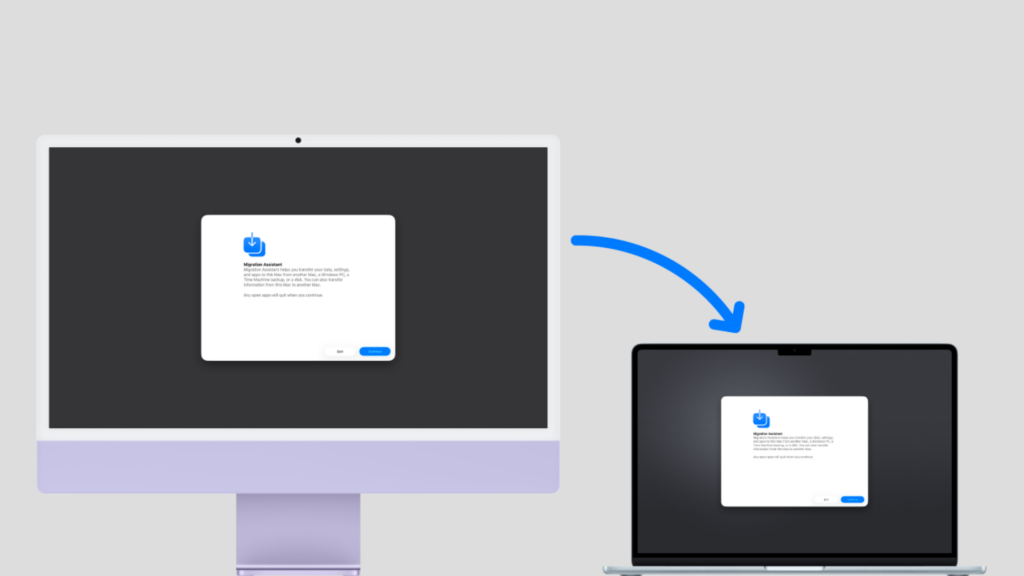
Whenever we set up a computer for someone upgrading from an old one, data transfer tends to be the part they worry about most. Your photos, documents, emails and bookmarks add up to years of your life, and you don’t want to lose any of it!
So we move it all across and set up your programs, so everything works the way you’re used to. Here’s what we can bring over:
- Your files, photos and documents.
- Your emails, including contacts, calendars and signatures.
- Your existing programs, including Microsoft Office and your internet security software.
- Your bookmarks and saved passwords.
- Your OneDrive folders: We sign in to OneDrive on your old and new computers so your Desktop, Documents and Pictures sync between them.
We Make It Feel Like Yours
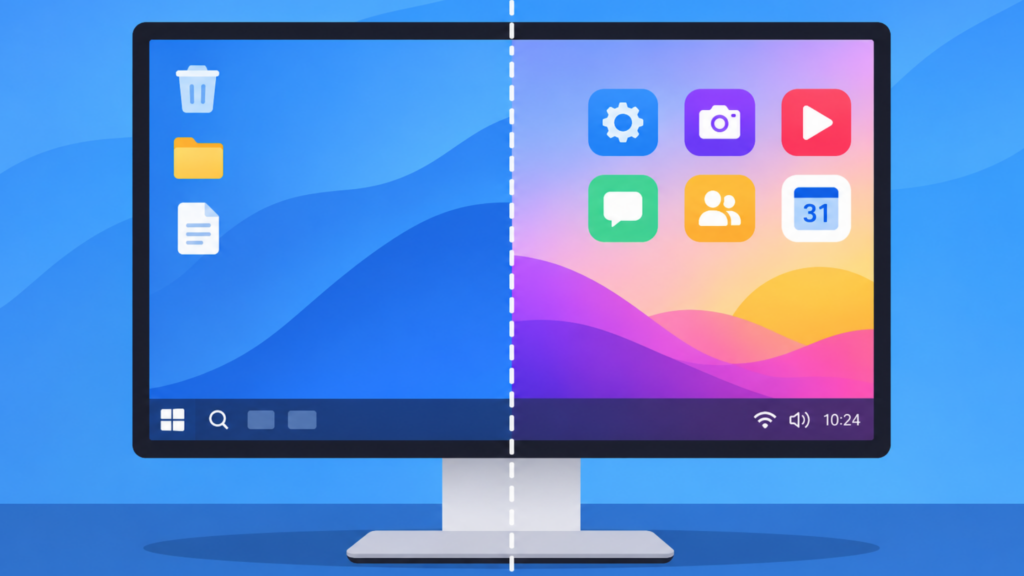
A computer fresh out the box can feel a bit like a hotel room, perfectly fine, but not yours. We personalise it to your requirements, whether that means dark mode, a desktop background you love, or shortcuts to the programs you use most.
We also make sure your user account is ready and install some popular apps, so you can start using your computer straight away!
We Protect It from Day One
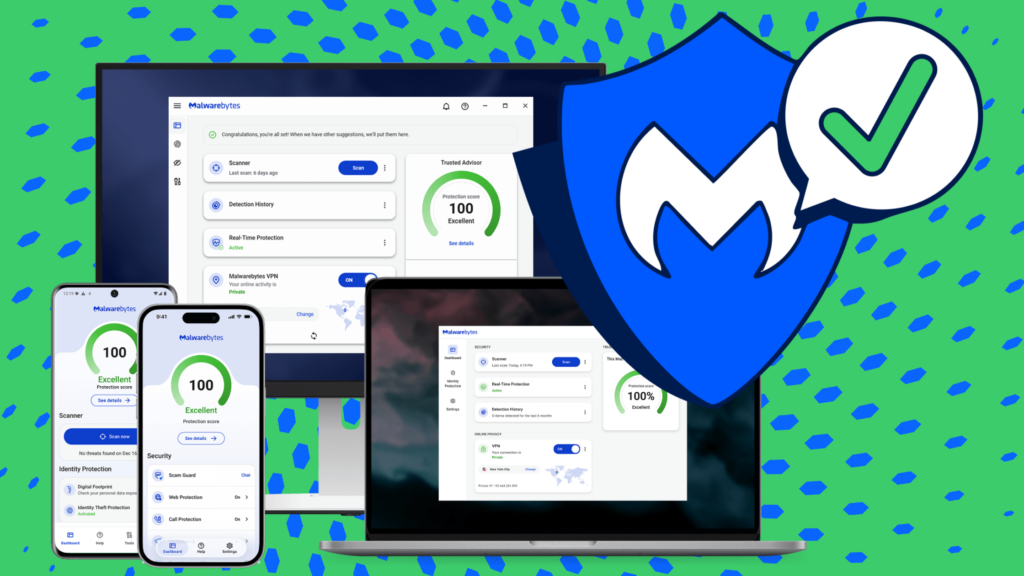
We can advise on and provide security options for your new device. One we love is Malwarebytes Premium, which monitors your computer in real time and blocks malware and ransomware before they do any damage. It also blocks scam websites and malicious links, so you stay safer while you browse. Every new computer or laptop purchased from Geeks on Wheels comes with a 12-month free subscription to Malwarebytes Premium.
We Teach You How to Use It
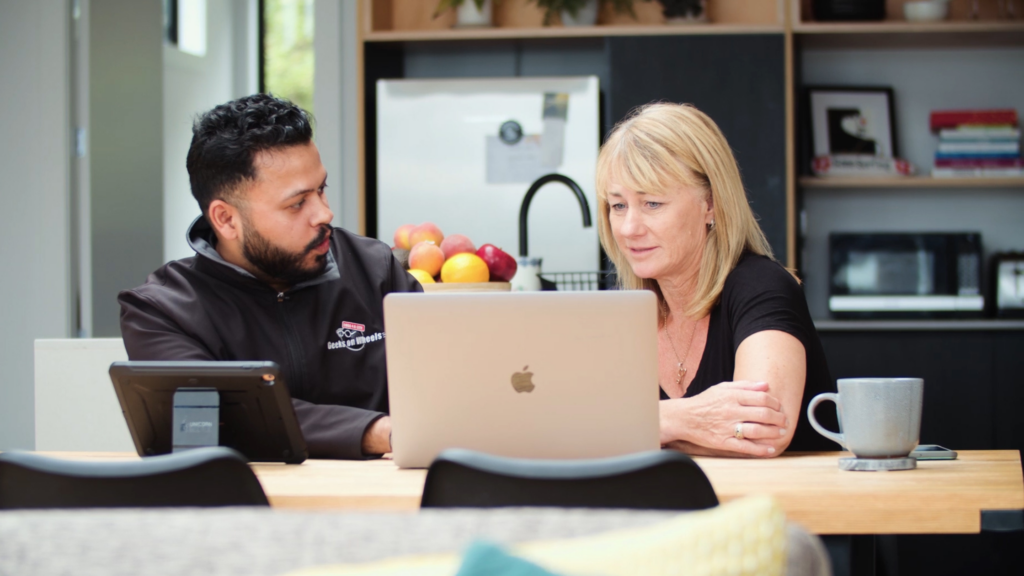
Learning a new system can feel just as hard, if not harder than setting up the device itself. Which is why every time we set up a computer, we finish with a tutorial! Our technician will walk you through your new computer at your own pace, so you’re all set to go.
Sometimes a new computer has features or settings you’ve never seen before. We can also teach you about Microsoft Office, your internet browser and your email, so you feel completely comfortable.
That’s the Geeks on Wheels difference! We come to you, clear out the bloatware, move everything across from your old computer, make the new one feel like yours, protect it and teach you have to use it.
Still haven’t bought your new computer? Every Windows computer we sell comes with a 2-year return-to-base warranty! You also get a 12-month subscription to Malwarebytes Premium, our trusted anti-malware software, and 3 months of free access to our Geek Helpline for any IT issue (excluding existing Geek+ customers). With 3 months of access to our helpline, we’re just a call away from helping you with any tech trouble you encounter! We can talk you through the steps to resolve your problem or have one of our experts remotely access your computer to work on the issue themselves! Email not syncing? Photos not showing up where they’re meant to? Just completely stumped? Help is just a phone call away!
All of that comes at no additional cost. Already have Malwarebytes or Geek+? We’ll take $30 off your new device purchase, or $100 off if you have both!
If you’re ready to have someone make setting up your new computer stress-free, give us a call or book a Geek online! We’ll take care of the rest.
