

Are you trying to decide if it’s better to repair a computer or replace it? We’ve put together a few key points to help you make the right choice. There are several factors that can determine whether it’s better to repair a computer or replace it. These include software compatibility, physical components and the age of your device. Repairs can range from simple jobs like replacing a laptop battery to more complex challenges like motherboard problems. Everyone’s tech is at a different stage in its life cycle. We hope this blog from Geeks on Wheels helps you make the best decision.
Key considerations: repairing or replacing a computer
Can my device run the latest operating systems?
One of the biggest factors in deciding whether to repair or replace a computer is whether it can run the latest operating systems. It’s important to stay up to date for a number of reasons. As Windows and macOS continue to release new versions, older hardware can struggle to meet the minimum requirements. If your device can’t install the newest system updates, you may start missing out on new features. You could also lose security improvements and compatibility with modern software. This limits what you are able to do with your computer, even if the hardware is still functional.
No one wants a computer that won’t load their favourite apps and doesn’t protect them from scams, right?
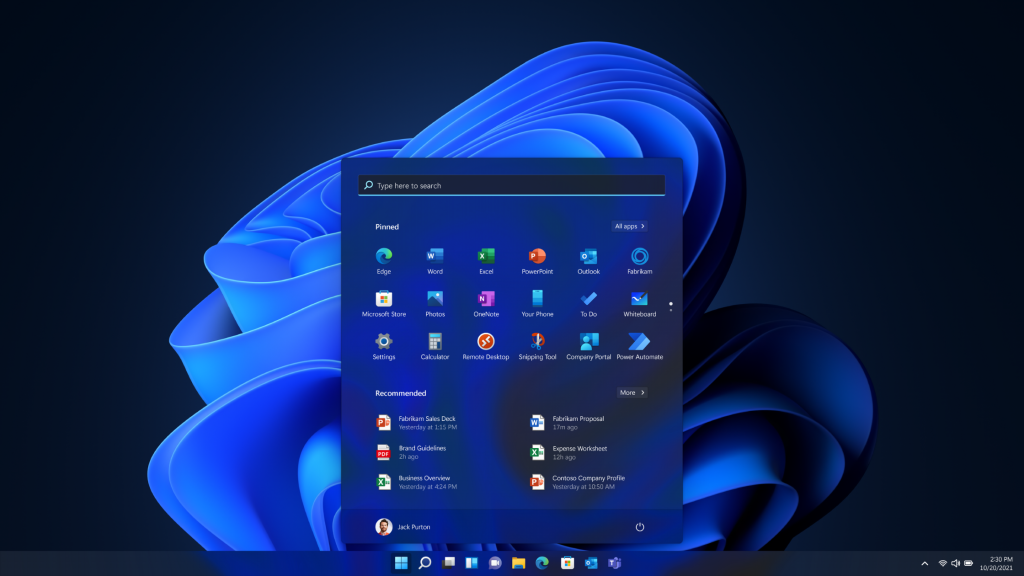
Windows 11 exemplifies this; it introduced much tighter hardware requirements. Many perfectly working devices from as recent as 2016 or 2017 can’t upgrade to Windows 11. If you’re deciding whether to repair or upgrade a computer, this is a big factor in your decision-making. Spending money to repair a machine that can no longer run modern software wouldn’t be a good investment. This is especially true in the long term.
Do you know what operating system version your device is running? This is an important question to ask yourself. It can help you decide whether it’s better to repair a computer or replace it.
Windows 10 end of support is particularly unique. If you aren’t aware, this happened in October of 2025 and had some pretty substantial hardware requirements. If you’re still running Windows 10, check if your device can upgrade to Windows 11. We have a handy guide outlining all the steps. The team at Geeks on Wheels can talk you through the process if needed.
For macOS, if your MacBook is older than a 2020 model, it’s likely unable to run the latest macOS software. Older devices may not support Tahoe. This carries the same implications as not being able to upgrade to Windows 11. You may miss out on new features, security improvements, and compatibility with modern software. So if your MacBook is older than a 2020 model, it might be more worthwhile to replace it. Repairing it may not be the best investment.
Does hardware age make a difference?
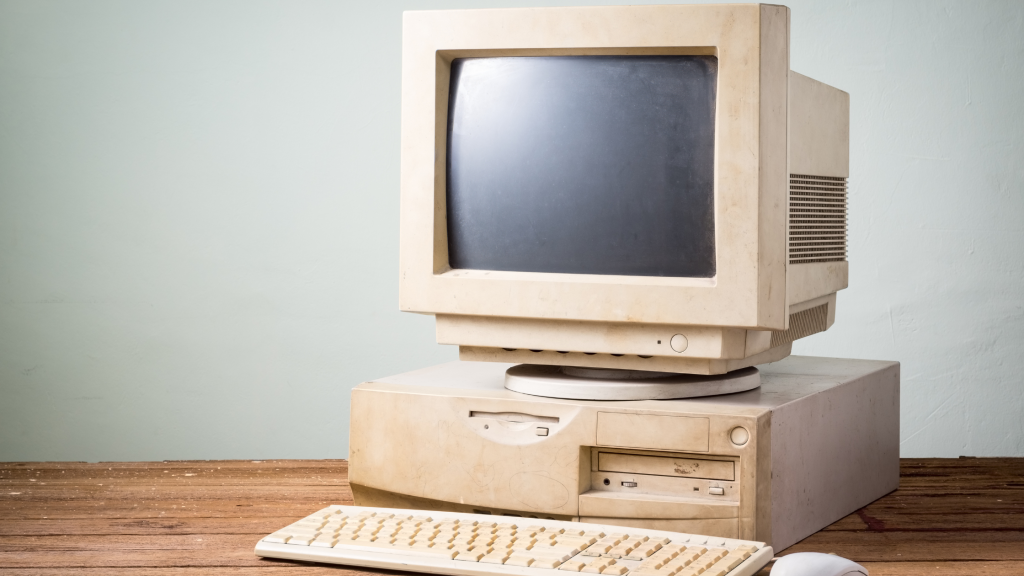
The age of your computer and its components is a major factor in determining whether it’s worth repairing. Even well-maintained devices have a practical lifespan, and as components age, they can become slower and less dependable. While a repair might restore your computer, older hardware has limits. It could be nearing what it can realistically handle.
As computers age, internal components naturally wear out. This means hard drives can start developing bad sectors, and cooling systems may become less effective. Older CPUs and RAM might also struggle with modern software demands. You might be able to replace one part, but that doesn’t change the age of the rest of the system.
Performance is another key consideration. Even if an older computer can technically run modern software, it may do so much more slowly. Browsers, apps, and operating systems are designed with newer hardware in mind. Tasks like video meetings, large spreadsheets, online learning platforms, and even everyday browsing can begin to feel sluggish.
If your computer is causing frustration or slowing down productivity, it could be a number of factors. Overheating devices that simply need a thorough clean or computers infected with malware, both perform at sub-optimal levels. This could be the case for yours, if so, Geeks on Wheels can help.
At the end of the day, there is no universal age at which a computer must be replaced; rather, the decision should be based on a combination of its age, performance, maintenance costs and whether it still meets your needs. However, HP states that the typical lifespan of a laptop is 3 to 5 years, while a desktop ranges from 3 to 8 years.
Desktops vs Laptops vs NUCs: Which Makes the Most Sense to Repair or Replace?

When you’re weighing up whether to repair or replace a device, the type of computer you own plays a major role. Desktops, laptops and NUCs each have different lifespans, upgrade potential and cost-to-benefit considerations, so the right decision can vary widely depending on what you’re using.
Desktop Computers/PCs
Desktops are often the most cost-effective out of the bunch to repair, generally offering the best long-term value. Their components are modular, widely available, and often easy to replace. This means that a failing power supply, sluggish hard drive or ageing graphics card can usually be swapped out at a relatively low cost without replacing the entire machine.
As technology advances, desktops also deliver more flexibility for upgrades. Parts of the computer can be swapped out for better alternatives, slowly improving performance and extending its usable life. Because of this, desktops are often the better choice to repair in comparison to laptops or NUCs, which have less repair flexibility.
Laptops
Laptops are more compact and convenient, but that design comes with trade-offs. Many manufacturers solder components in place, limiting upgrade options and making repairs more labour-intensive. Common fixes like replacing a battery, keyboard or screen can be worthwhile, especially on higher-end models.
However, once a laptop begins showing multiple issues, slow performance, poor battery life, and support for newer operating systems, repair costs can quickly approach the price of a good replacement. In general, laptops may make financial sense to repair up to around 4 to 6 years old, sometimes even longer. This depends on model, condition and value, but beyond that, replacement often becomes more cost-effective.
NUCs/Mini PCs & All-in-One (AIO)
NUCs and other compact desktop replacements are great for saving space and power, but their small size limits their ability to be upgraded/repaired. Some models allow for small upgrades, but many important components can’t be changed
Because of this, the decision to repair usually depends on the cost and nature of the fault. In many instances, replacing the unit is the better investment. NUCs typically have a lifespan similar to laptops, 3 to 5 years of strong usability, depending on the usage and model, before limitations start to outweigh the benefits of repair.
All-in-one computers combine the screen and internal components into one unit, saving space, but similar to NUCs, they limit upgrade and repair options. While some models allow RAM or storage replacements, many major components are difficult or uneconomical to fix. As a result, if an AIO develops serious issues or shows its age, replacing it is often more cost-effective than repairing it.
Prices

As mentioned above, due to desktops being more flexible with interchangeable parts, it often makes sense to repair them. However, the consensus for laptops and NUCs is that if the repair costs 50% of the price of a new, comparable computer, it’s likely more cost-effective to replace the device.
So when deciding whether to repair or replace your computer, it comes down to value, practicality, and how well your device can keep up with today’s software and performance needs. Older hardware, unsupported operating systems, and rising repair costs can all make replacement the smarter long-term investment. On the other hand, devices that still have strong performance, upgrade potential, or affordable repair options, especially desktops, can often be repaired cost-effectively.
At the end of the day, the best choice is the one that keeps your tech reliable, secure, and able to handle the tasks you need. If you’re unsure, getting a professional assessment from Geeks on Wheels can help you decide where your money is best spent and whether your device still has life left in it.
