

Category: Tech Tip Tuesday
-
Troubleshooting Printer Problems
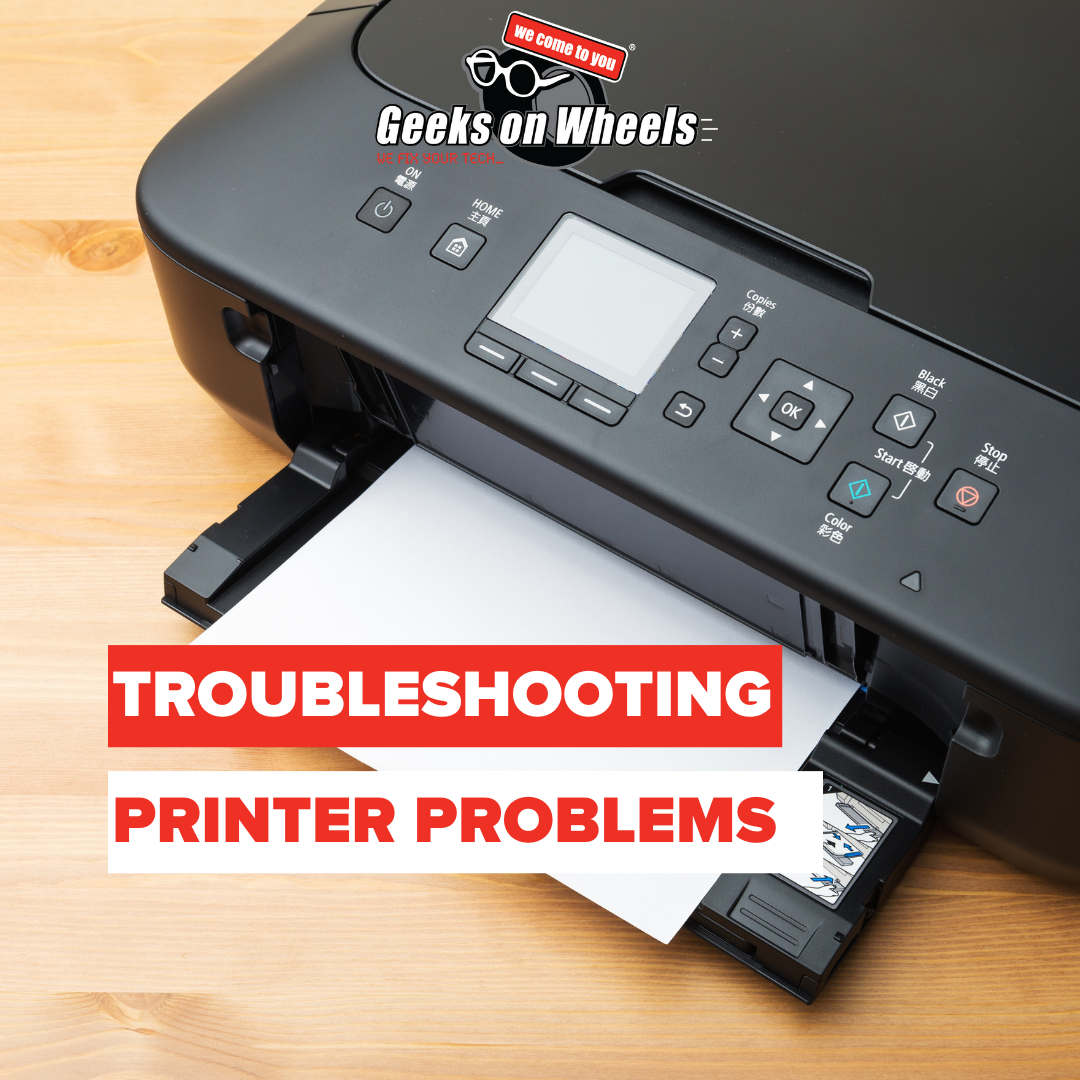
Printers. Just saying the word is enough to make some people sigh deeply and stare into the distance. Do you find yourself asking, “Why does my printer say it’s offline? Why does nothing happen when I click print? Why are my prints faded and streaky? How do I fix my paper jam?” One minute they’re…
-
Your 2026 Tech Checklist
Hey Geek fans! A new year is the perfect excuse for a fresh start, and that includes your tech! We all make New Year’s resolutions for ourselves, but what about the devices we rely on every single day? Leave your bad tech habits behind in 2025 and start fresh in 2026. We have a simple…
-
The Most Common Computer Repairs
Have you ever wondered to yourself, what are the most common computer repairs?Well, you’re in luck, we know a thing or two about computer repairs. We’ve seen it all over the years, from wine-soaked laptops to ant-infested casings. Whatever the tech repair, chances are, we’ve seen it. But…..There are a few repairs we seem to…
-
Risks Of Not Upgrading to Windows 11
You’ve likely seen that Windows 10 is ending support on October 14th, 2025. Whether it’s pop-ups on your Windows 10 devices, emails from Geeks on Wheels or articles in the news. Everyone has been talking about it. Microsoft will no longer provide free software updates from Windows Update, technical assistance or security fixes for Windows…
-
Zoom Safety | Follow These Steps

Zoom Safety | Follow These Steps The Geeks on Wheels team have been using Zoom for weekly meetings and to keep in touch with colleagues. We know that Zoom is safe but ONLY if you follow these necessary precautions. We understand that many of you have been using Zoom to keep in touch with family…
-
How to Screenshot – The Ultimate Guide
How to Screenshot – The Ultimate Guide Here at Geeks on Wheels we understand that it can be confusing trying to take a screenshot from one of your devices. So we’ve put together a helpful ‘How to Screenshot – The Ultimate Guide’ blog! It includes: You may want to take a screenshot because you’re taking…
