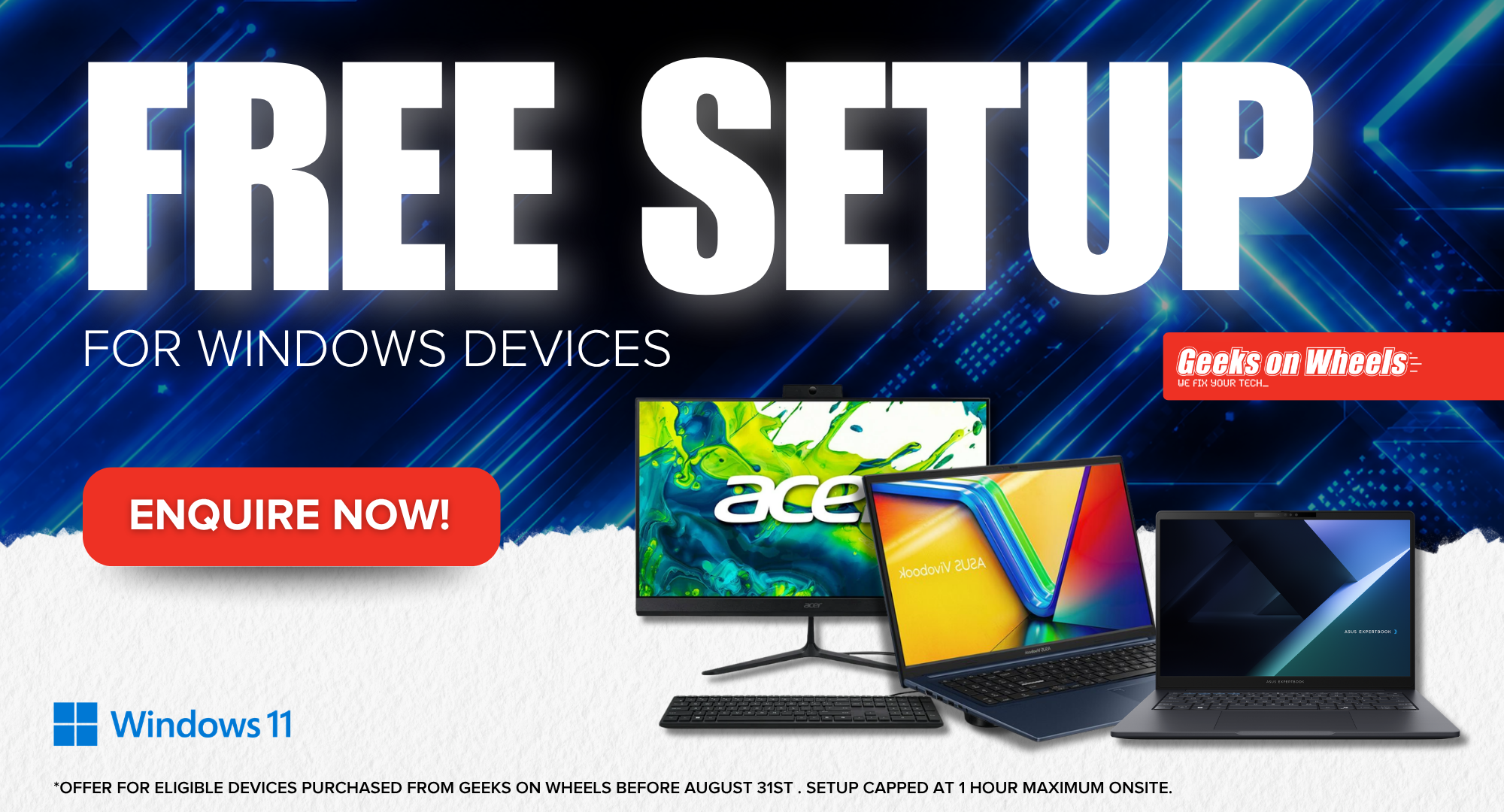
If you purchase a new Windows device from Geeks on Wheels between August 3rd and August 31st, we will provide a FREE onsite setup. That means your device will get set up and be ready to go. With popular apps installed, your own account created and even a short tutorial to run you through the basics of how to use your brand-new laptop or computer! For full details on what’s included in our Free Setup scroll down. To express your interest, simply fill in your details below!
If you’re looking for a new Windows laptop or computer, there has never been a better time. Purchase your new device during August, and we’ll set it up for free.
New Zealand’s favourite tech repair company will get your device set up right the first time!
Fill in your details below and one of the team will get in touch to recommend a Windows device for you and your needs!
Home Laptops
Value Laptop
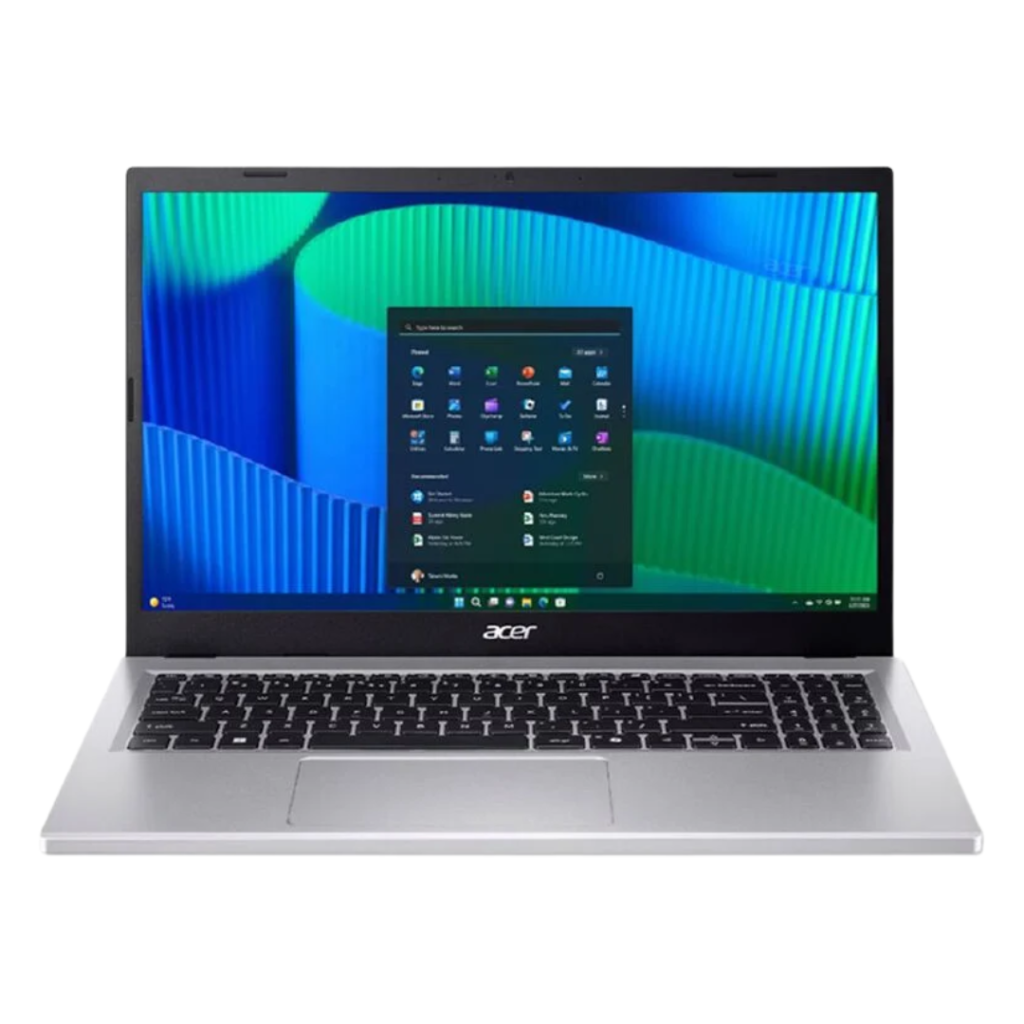
ACER EX215 – Features
- Intel i5-13420H
- 8GB DDR5 RAM
- 256GB M.2 PCIe Flash Storage
- Integrated UHD Graphics
- 15.6” FHD (1920×1080) Display
- Windows 11 Pro
Ports & Slots - 2x USB 3.2 Type-A
- 2x USB 3.2 Type-C (Charging & DP Alt Mode)
- HDMI Out
Popular Laptop
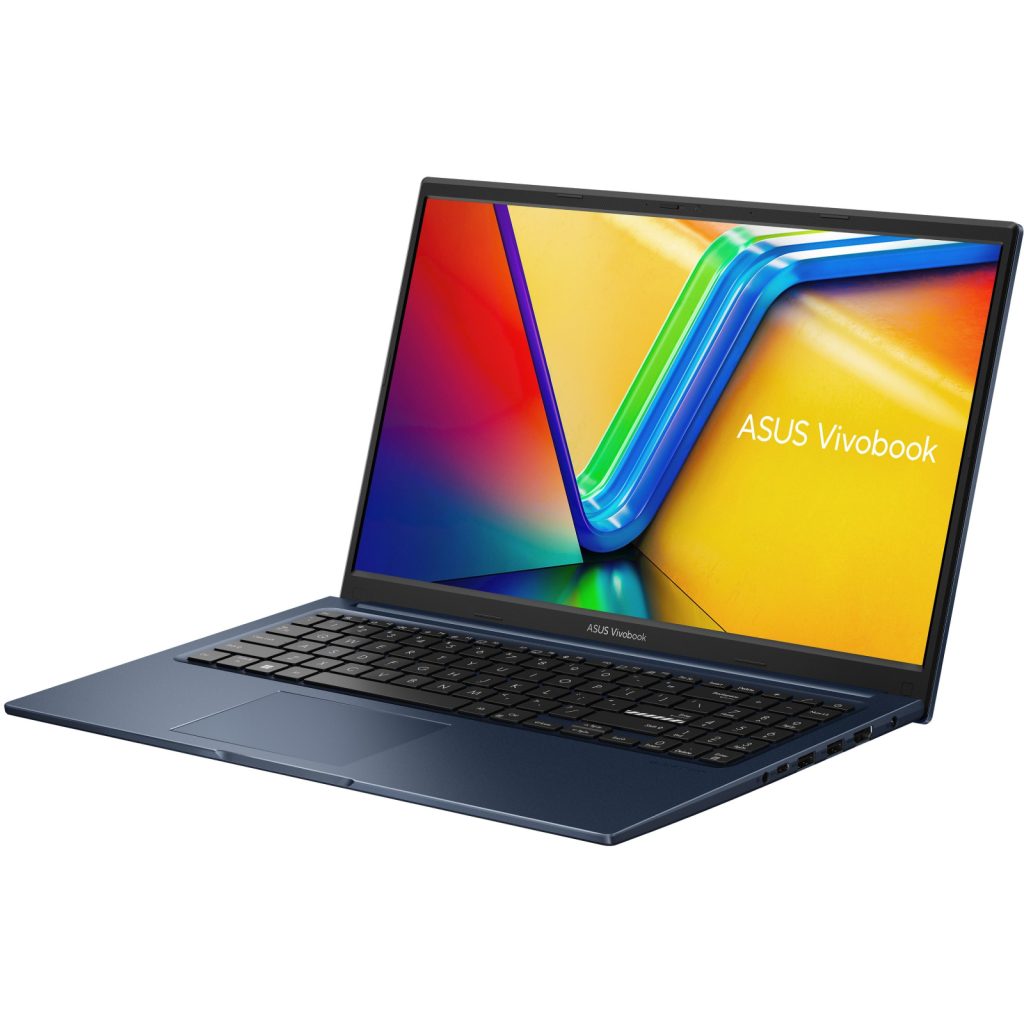
ASUS X1504 – Features
- Intel i5 CPU 120U
- 16GB DDR4 RAM
- 512GB M.2 NVME PCIe Flash Storage
- Integrated Iris Xe Graphics
- 15.6” FHD (1920×1080)
- Windows 11 Home
- 1.70kg in weight
Ports & Slots - 1x USB 2.0 Type-A
- 2x USB 3.2 Type-A
- 1x USB 3.2 Type-C
- HDMI Out
- Headphone/Mic Combo
Premium Laptop
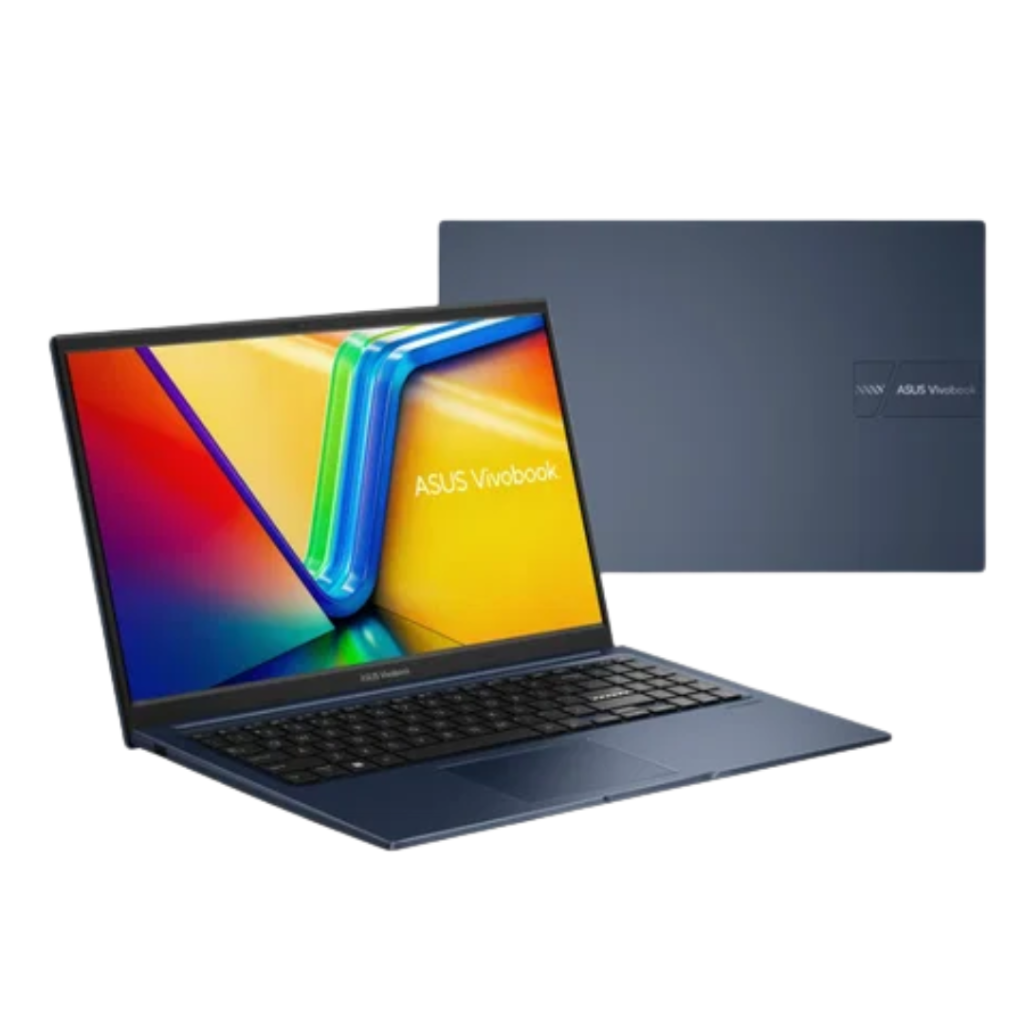
ASUS X1504 – Features
- Intel Core 7-150U CPU
- 16GB DDR4 RAM
- 512GB M.2 NVME PCIe Flash Storage
- Integrated Iris Xe Graphics
- 15.6” FHD (1920×1080)
- Windows 11 Home
- 1.70kg in weight
Ports & Slots - 1x USB 2.0 Type-A
- 2x USB 3.2 Type-A
- 1x USB 3.2 Type-C
- HDMI Out
- Headphone/Mic Combo
Business Laptops
14″ Business Laptop
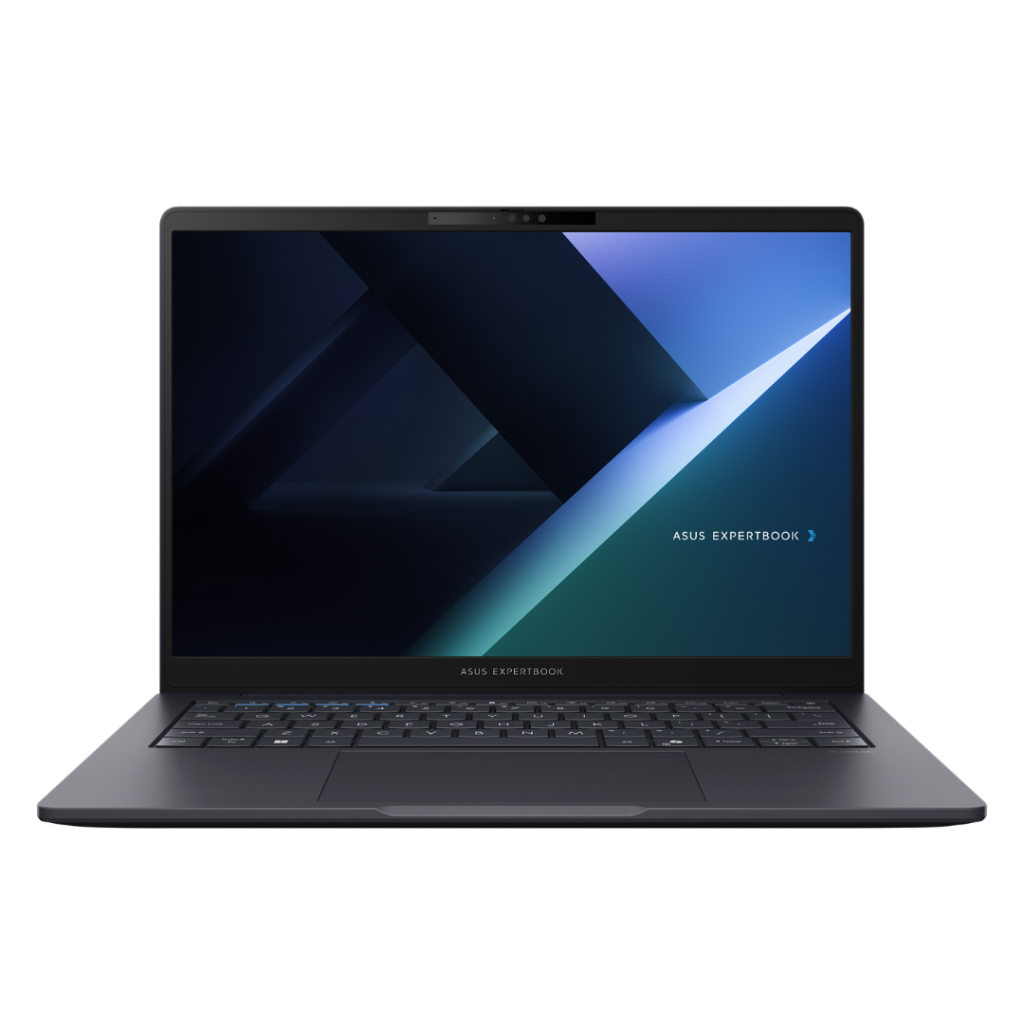
Features:
- Intel Core 5 Processor 210H
- 16GB DDR5 RAM
- 256GB M.2 NVMe PCIe Flash Storage
- 14″ FHD Anti-glare Display
- Backlit Keyboard
- Intel Iris XE Graphics
- Wi-Fi 6 Compatible
- Windows 11 Pro
- 1.48kg in weight
Ports & Slots - 2x USB 3.2 Gen 1 Type-A
- 2x USB 3.2 Gen 2 Type-C support power delivery
- 1x HDMI 1.4
- 1x 3.5mm Combo Audio Jack
- 1x RJ45 Gigabit Ethernet
15.6″ Business Laptop
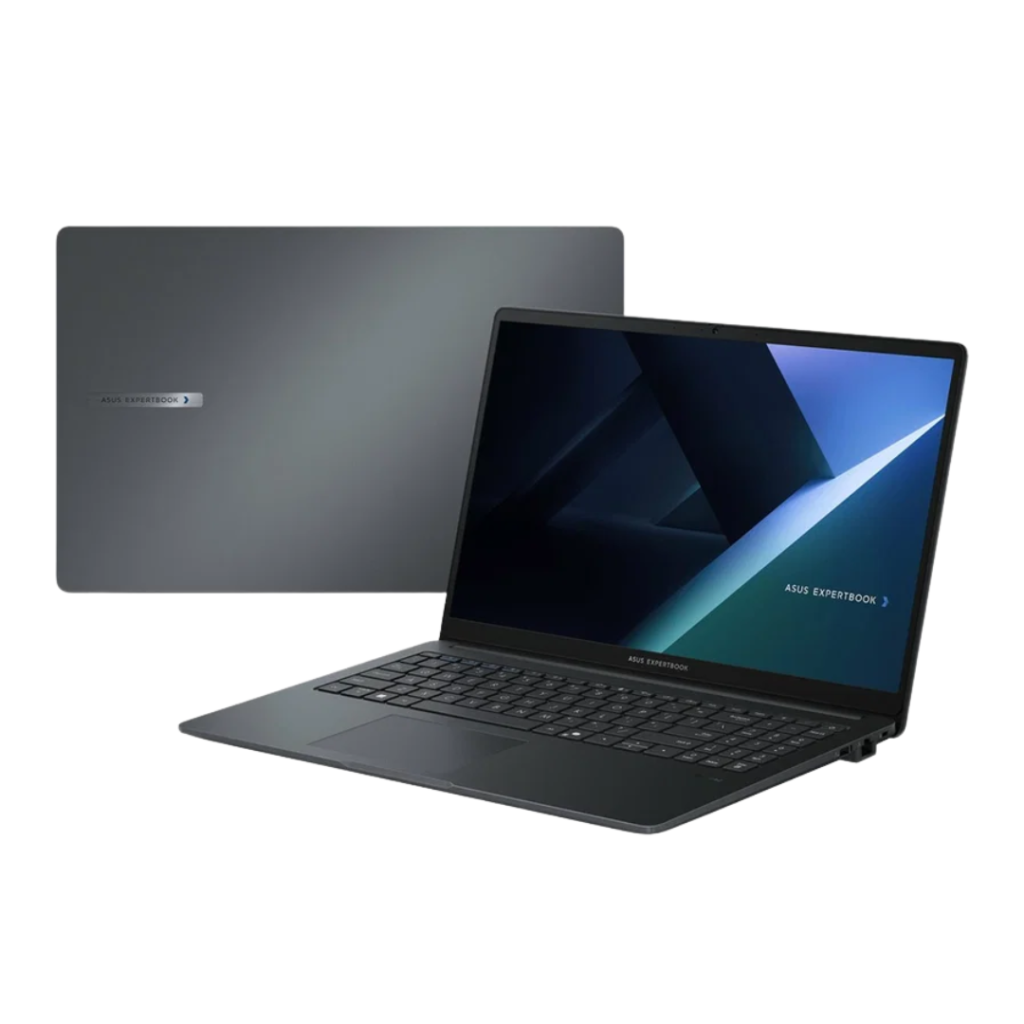
Features:
- Intel Core Ultra 5 120U Processor
- 16GB DDR5 RAM
- 512GB M.2 NVMe PCIe Flash Storage
- 15.6″ FHD Anti-glare Display
- Intel Iris XE Graphics
- Wi-Fi 6E Compatible
- Windows 11 Pro
- 1.69kg in weight
Ports & Slots - 2x USB 3.2 Gen 1 Type-A
- 2x USB 3.2 Gen 2 Type-C support power delivery
- 1x HDMI 1.4
- 1x 3.5mm Combo Audio Jack
- 1x RJ45 Gigabit Ethernet
All-In-Ones
Value 24″ AIO
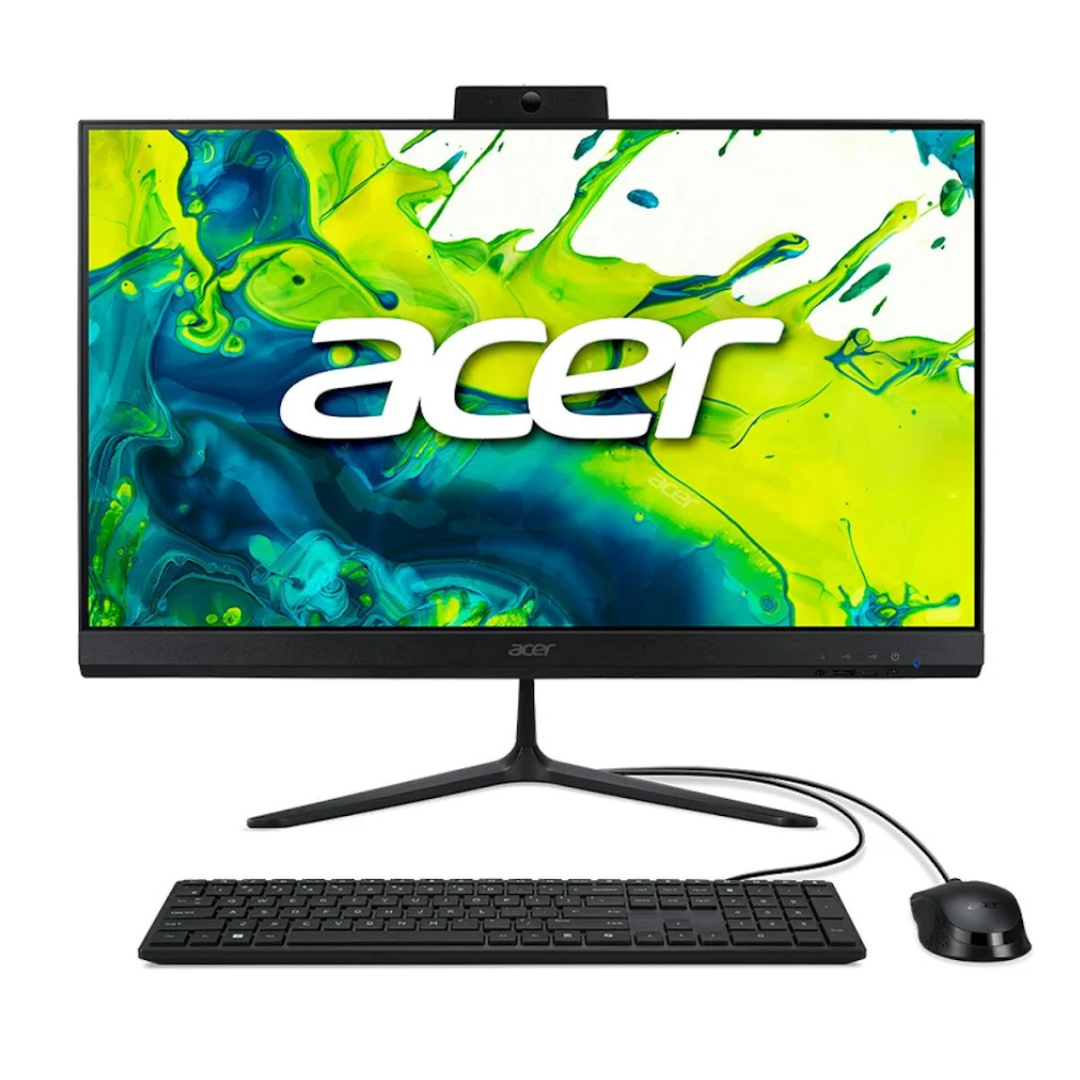
Acer Aspire C24 – Features
- Intel i5-13420u CPU
- 8GB DDR4 RAM
- 512GB M.2 PCIe Flash Storage
- Intel UHD Graphics
- 23.8” FHD (1920×1080) Non-Touch Display
- Wi-Fi & Bluetooth Compatible
- Windows 11 Home
- Wired Keyboard & Mouse
Ports & Slots - 5x USB Type-A
- 1x USB Type-C
- 1x Ethernet In
- HDMI Out
- Headphone/Mic Combo
Premium 27″ AIO
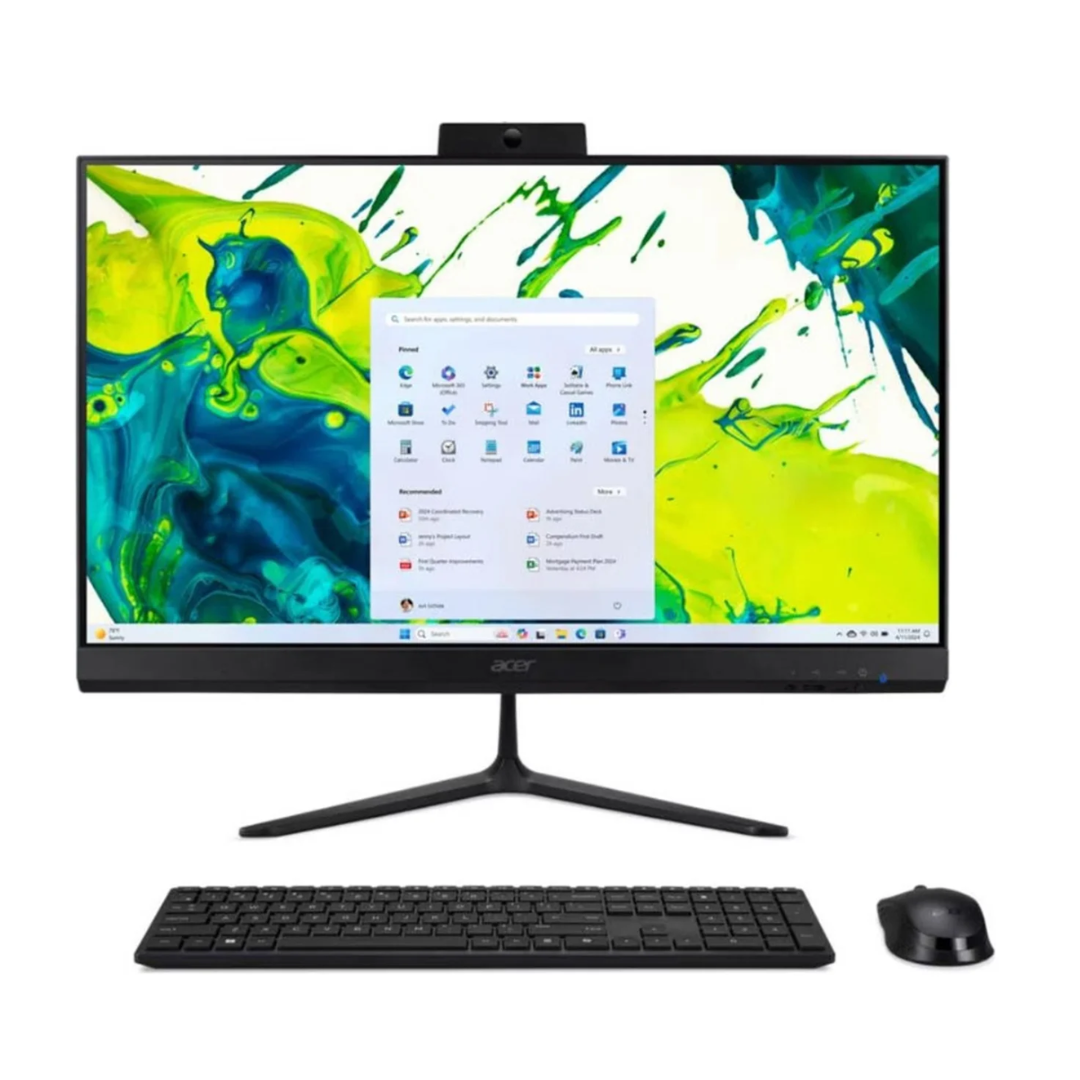
Acer Aspire C27 – Features
- Intel i7-1335U CPU
- 16GB DDR4 RAM
- 512GB M.2 PCIe Flash Storage
- 27” FHD (1920×1080) Non-Touch Display
- Wi-Fi & Bluetooth Compatible
- Windows 11 Home
- Wired Keyboard & Mouse
Ports & Slots - 5x USB Type-A
- 1x USB Type-C
- HDMI Out & DisplayPort Out
- Headphone/Mic Combo
Before we deliver your device, we will complete the following pre-installation setup including:
- Fresh Windows install to remove value-added software and ensure a more reliable install.
- Run through the setup process, create a user account with your name and run all updates on the device.
- Pre-install popular apps (Zoom, Spotify, Chrome, iTunes, VLC)
We will then deliver the device to your house and complete the following with you:
- Connect to the internet via Wi-Fi or Ethernet.
- Connect to peripherals such as; printer, keyboard, mouse and monitors.
- Personalise the device to your requirements such as; dark mode, desktop background, and shortcuts.
- Install existing Microsoft Office and Internet Security software.
- Sign into OneDrive on old and new devices to let Desktop, Documents and Pictures sync between devices.*
- Sign into the Internet Browser to migrate bookmarks and saved passwords.
- Check your existing backup or set up a new one to ensure your data is protected.
- Basic tutorial on using your new computer (up to 15 mins).
- Clean up and disposal of packaging.
NOTE:
* OneDrive Sync requires a OneDrive account with a sufficient storage plan or an MS365 Subscription. The on-site setup visit is limited to 1 hour. Additional time, either on-site or off-site, will be charged at the applicable hourly rate. Data transfer is not included; this can be completed at an additional cost at our normal hourly rate. The supply of Microsoft Office or Internet Software is not included; these can be purchased at an additional cost. Travel charges (if any) and callout fee still apply. Exclusively for new Windows devices ordered between 3/8/2026 and 31/8/2026.
The standard hourly rate is $172.00 with additional time over the first hour charged at $43.00 per 15 minutes.